What Is Multimodal AI? (When AI Can See, Hear, and Talk)
Modern AI can understand images, audio, and video, not just text. Here's what 'multimodal' actually means and how it changes what you can do with tools like ChatGPT and Gemini.
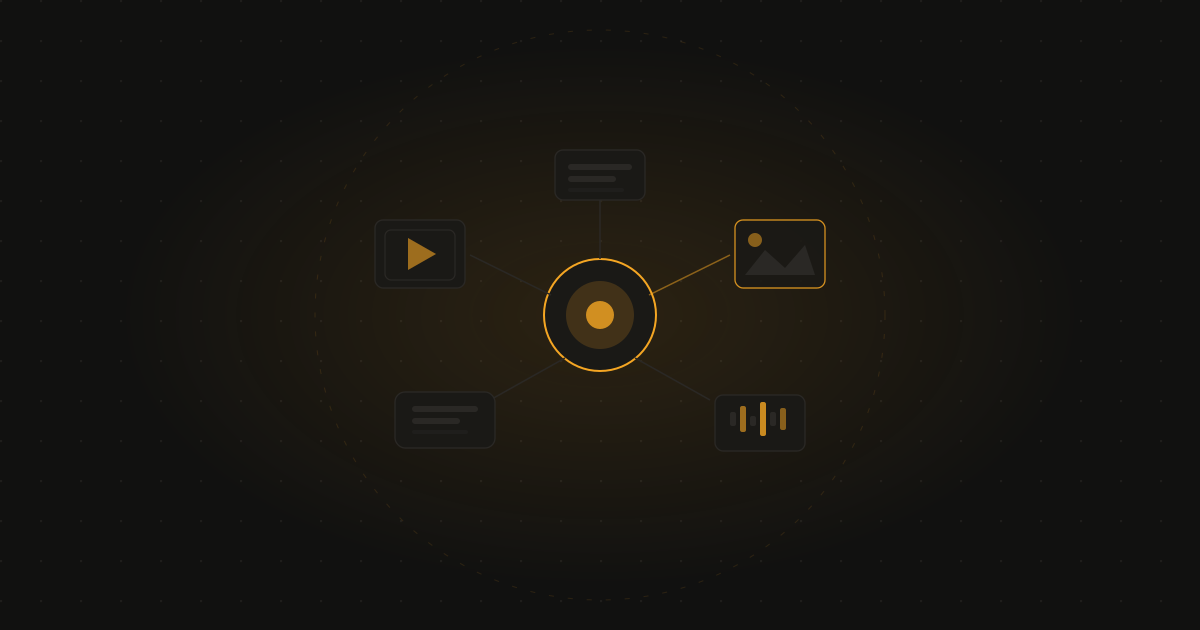
The short answer: Multimodal AI means an AI model that can work with more than just text — it can look at images, listen to audio, and in some cases process video, in addition to reading and writing text. This is why you can now show ChatGPT a photo and ask about it, or have a spoken conversation with Gemini instead of typing.
Early AI chatbots only worked with text — you typed, it typed back. That’s no longer the limitation it used to be. The major AI assistants can now look at images, listen to speech, and respond using multiple types of content. This capability is called “multimodal,” and it’s one of the more significant upgrades AI has had in the past couple of years.
What “modal” means here
A “modality” is a way of representing information — text, images, audio, and video are all different modalities. A multimodal AI model is one trained to understand (and often generate) more than one of these.
Earlier AI language models were unimodal — text in, text out. Multimodal models can take an image as input alongside text, or listen to spoken audio, and respond appropriately, often blending modalities within a single response (for example, describing an image in spoken audio).
What this actually lets you do
Show it a photo. Upload a picture of your fridge contents and ask what you could cook. Photograph a maths problem and ask for help solving it. Show a screenshot of an error message and ask what’s wrong.
Read handwriting or documents. Photograph a handwritten note, an old document, or a whiteboard from a meeting, and ask the AI to transcribe or summarise it.
Understand charts and visuals. Upload a graph from a report and ask the AI to explain what it shows, or upload a floor plan and ask questions about it.
Have a spoken conversation. Voice modes in ChatGPT and Gemini let you talk out loud and get a spoken response back — useful for hands-free use, language practice, or just a more natural interaction style than typing.
Generate images from text. The reverse direction — describing something in words and having the AI create a corresponding image — is also a multimodal capability (text to image, rather than image to text).
Process video (in some tools). The most advanced multimodal models can now analyse video content — describing what’s happening in a clip, answering questions about its content, or summarising a recorded lecture or meeting.
Which tools support this
ChatGPT (GPT-4o and newer) supports image upload and analysis, voice conversation mode, and image generation within the same interface.
Google Gemini is built with multimodality as a core design feature — it can process text, images, audio, and video, reflecting Google’s emphasis on this from early development.
Claude supports image upload and analysis — you can show it documents, photos, charts, and diagrams alongside your text questions.
Microsoft Copilot integrates similar capabilities, particularly useful for analysing screenshots and documents within Microsoft 365 apps.
Why this matters for everyday use
The practical effect is that you no longer have to translate everything into words before asking AI for help. If something is easier to show than describe — a broken part, a confusing diagram, a foreign menu, a child’s homework problem — you can just show it.
This also makes AI considerably more useful for accessibility. Someone who finds typing difficult can speak instead. Someone who struggles to describe a visual problem in words can show it directly.
The current limitations
Multimodal AI is impressive but not infallible. It can misread blurry or low-quality images, struggle with very dense or complex charts, misidentify objects in cluttered scenes, and occasionally hallucinate details that aren’t actually in an image (in the same way text-based AI can hallucinate facts — see what is AI hallucination).
For anything where the interpretation matters — reading a medical document, transcribing something with legal or financial significance — it’s worth double-checking the AI’s interpretation rather than assuming it’s perfectly accurate.
Related: What is a large language model? and what is AI hallucination?
Frequently asked questions
What does multimodal AI mean? Multimodal AI refers to AI systems that can understand and generate more than one type of content — text, images, audio, and video — rather than being limited to text alone. A multimodal model can look at a photo and describe it, listen to audio and transcribe or respond to it, or generate an image from a text description, often combining these abilities in a single conversation.
What AI tools are multimodal? ChatGPT (with GPT-4o and later models), Google Gemini, and Claude all support multimodal input — you can upload images, and in some cases audio or video, alongside text. Voice mode features in ChatGPT and Gemini are also part of their multimodal capabilities, allowing spoken conversation rather than just typed text.
What can I do with multimodal AI that I couldn’t do before? You can show an AI a photo and ask what’s in it, upload a screenshot and ask it to explain an error, photograph a handwritten document and have it transcribed, show it a graph and ask for an explanation, or have a spoken conversation instead of typing. It removes the requirement to describe everything in words first.
Is multimodal AI accurate at interpreting images? It’s generally quite good for clear, common scenarios — identifying objects, reading legible text, describing a scene. Accuracy drops for ambiguous images, very small details, complex charts with dense data, or unusual/niche visual content. As with text-based AI, it’s worth verifying anything important rather than assuming the interpretation is perfect.
Free newsletter
Join readers learning AI from zero
One plain-English AI tip per week. No jargon, no hype, no spam. Unsubscribe anytime.