What Is Midjourney? A Beginner's Guide to the AI Art Generator
Midjourney creates stunning AI images from text descriptions — and it's the tool behind most of the jaw-dropping AI art you've seen online. Here's what it is and how to get started.
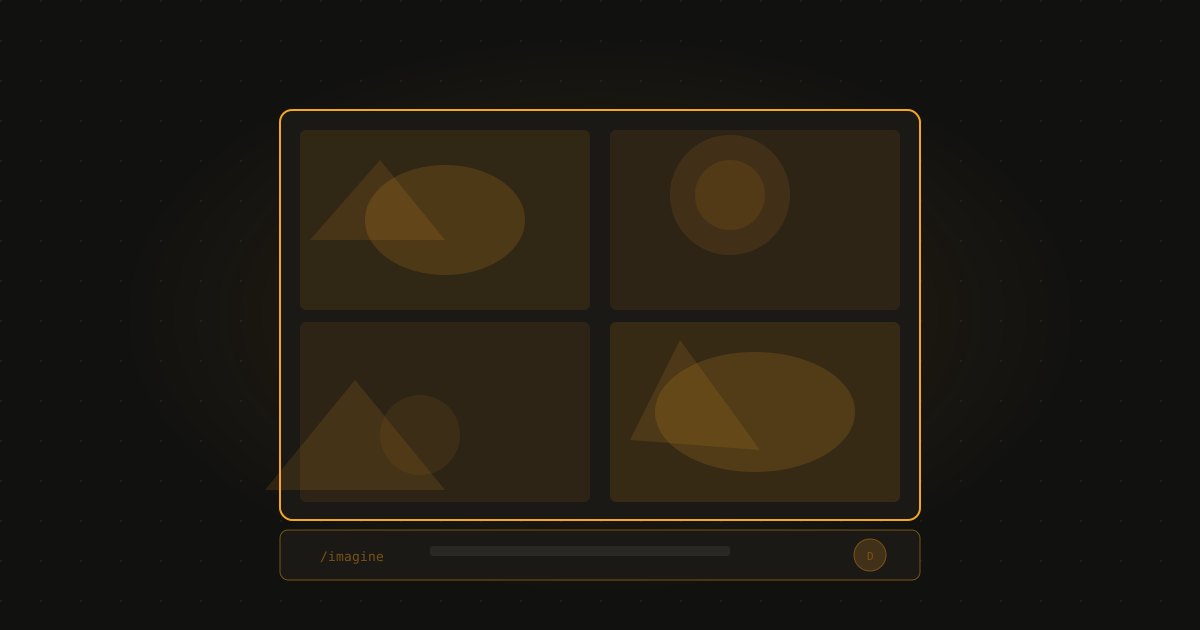
The short answer: Midjourney is an AI tool that generates images from text prompts — and it produces some of the most visually striking AI images available. It runs through Discord, requires a paid subscription, and rewards people who put time into learning how to prompt it well.
If you’ve seen an AI-generated image that genuinely stopped you — something that looked like a painting, or a cinematic scene, or a piece of artwork that felt intentional rather than accidental — there’s a good chance it came from Midjourney.
It’s the tool that put AI image generation on the cultural map, and it remains the benchmark for visual quality in the field. But it’s also the most unconventional of the major AI tools — it runs through a chat platform rather than a website, and getting the best results takes more than a casual prompt.
Here’s what you need to know.
What makes Midjourney different
Most AI image tools prioritise ease of use. Midjourney prioritises output quality. The images it generates have a visual sophistication that other tools haven’t consistently matched — not just in technical detail, but in composition, lighting, and aesthetic coherence.
The trade-off is access and learning curve. Where tools like Adobe Firefly or ChatGPT’s image generation work in a simple web interface, Midjourney runs through Discord — a chat and community platform that’s popular with gamers and creators but unfamiliar to many people outside those communities.
Once you understand the workflow, it’s perfectly manageable. But it’s not quite as plug-and-play as the alternatives.
How to get started
Step 1: Create a Discord account at discord.com if you don’t have one.
Step 2: Go to midjourney.com and subscribe to a plan. Basic starts at around $10/month.
Step 3: Join the Midjourney Discord server (there’s a link from the website).
Step 4: Find a “newbies” channel in the server sidebar. These are channels where beginners can generate images.
Step 5: Type /imagine followed by your prompt description, and hit enter. Midjourney will generate four image options in about a minute.
Step 6: You can click U1-U4 to upscale (enlarge) one of the four images, or V1-V4 to create variations of a particular image.
Writing prompts that work
Midjourney is more sensitive to prompt quality than most AI tools. A vague prompt gives you a vague result. A specific, detailed prompt gives you something intentional.
Elements of a good Midjourney prompt:
- Subject: What or who is in the image
- Style: Photorealistic, oil painting, watercolour, cinematic, illustration, concept art, anime
- Mood/lighting: Dramatic, soft, golden hour, overcast, neon-lit
- Composition: Close-up, wide shot, aerial view, portrait
- Artist references (optional): “in the style of [artist]” can guide the aesthetic
- Technical parameters:
--ar 16:9for widescreen,--ar 1:1for square
Example prompt:
A lone lighthouse on a rocky cliff at dusk, dramatic storm clouds behind, waves crashing, painterly style, cinematic lighting, muted colour palette —ar 16:9
Weak prompt: a lighthouse Strong prompt: the above
The difference in output quality is significant.
What Midjourney is best for
- Creative and artistic images: Illustrations, concept art, mood boards, stylised visuals
- Marketing and brand visuals: When you need something distinctive, not stock-photo generic
- Book covers, album art, poster designs: It handles highly composed single images very well
- Exploring visual ideas: Rapid iteration of different styles and concepts before committing to a direction
Where it’s less suited: photorealistic product images for commercial use (Adobe Firefly is better here due to licensing), images with accurate text in them (AI still struggles with this), and highly specific scenes with precise requirements.
Midjourney vs the alternatives
For a full comparison of AI image tools for beginners — including free options — best AI image generators for beginners covers the landscape. If you want photorealistic images for commercial use, Adobe Firefly is worth trying first.
And if the $10+/month cost of Midjourney is a concern, best free AI image generators in 2026 covers strong alternatives that don’t cost anything.
Frequently asked questions
What is Midjourney? Midjourney is an AI image generator that creates images from text descriptions. You describe what you want — a style, a scene, a subject — and Midjourney generates four image options within about a minute. It’s widely regarded as producing the most visually impressive AI images available.
Is Midjourney free? Midjourney no longer has a free tier. A paid subscription is required, starting at around $10/month for basic access. There have been occasional free trial periods in the past, but as of 2026 it is a paid product.
How do I use Midjourney? Midjourney runs through Discord — a chat platform. You join the Midjourney Discord server, go to a ‘newbies’ channel, type /imagine followed by your prompt, and Midjourney generates images in that chat thread. It takes some getting used to, but becomes straightforward quickly.
What’s Midjourney best used for? Creative and artistic image generation: illustrations, concept art, fantasy scenes, stylised portraits, mood boards, marketing visuals, and any situation where visual quality and artistic style matter more than photographic realism. For photorealistic commercial images, Adobe Firefly may suit you better.
Free newsletter
Join readers learning AI from zero
One plain-English AI tip per week. No jargon, no hype, no spam. Unsubscribe anytime.