What Is a System Prompt? The Hidden Instructions Behind AI Tools
Most AI chatbots have a set of invisible instructions shaping how they behave before you type a single word. Here's what a system prompt is and why it matters.
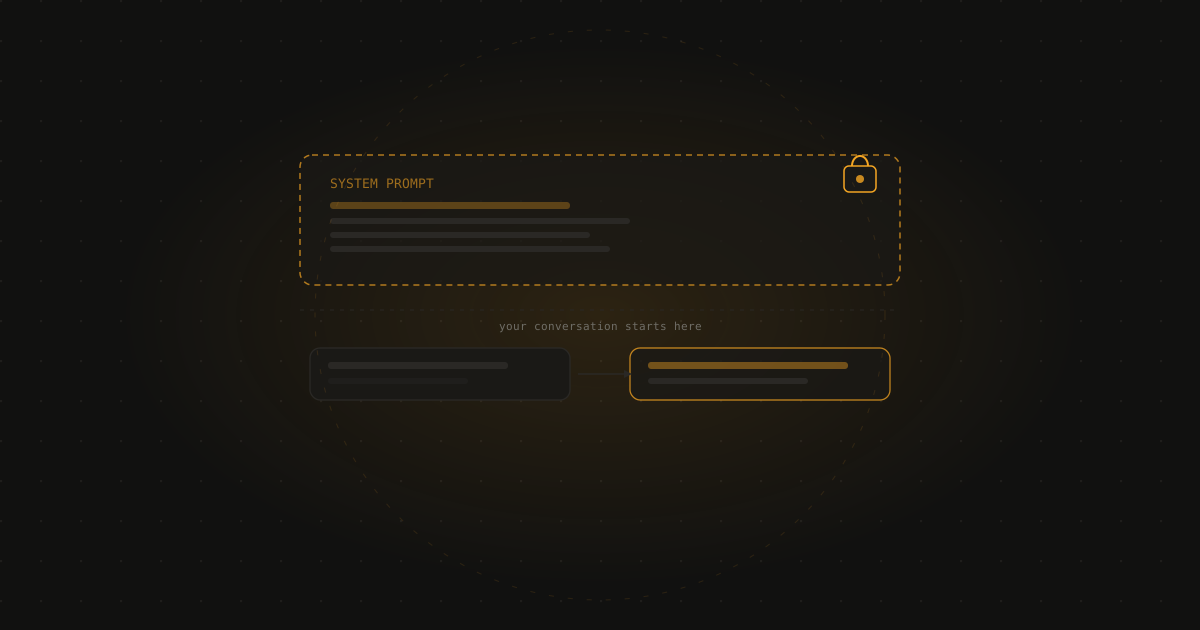
The short answer: A system prompt is a set of instructions given to an AI model before your conversation begins — it sets the persona, tone, rules, and constraints that shape how the AI responds. You usually can’t see it, but it’s influencing every reply you get.
When you open ChatGPT or Claude and type your first message, it feels like you’re talking directly to the AI from scratch. But in reality, there’s almost always a layer of instructions already in place, set before you arrived, shaping how the model will behave. That layer is the system prompt.
What a system prompt actually does
Think of a system prompt as the briefing an employee gets before starting a job. It tells the AI what role it’s playing, what it should focus on, what it shouldn’t do, and what tone or style to use.
A customer service chatbot might have a system prompt that says: “You are a support assistant for Acme Software. Only discuss topics related to Acme’s products. Always be polite. If a user asks about billing, direct them to billing@acme.com.”
A creative writing tool might have a system prompt that says: “You are an enthusiastic writing coach. Be encouraging. Offer specific suggestions. Avoid technical grammar explanations.”
A children’s education tool might have a system prompt that restricts all adult topics, sets a simple vocabulary, and maintains a friendly, upbeat tone.
The same underlying AI model behaves very differently under different system prompts — which is how one model can power dozens of different products with very different personalities and rules.
Why you usually can’t see it
System prompts are typically kept private by the company or developer who wrote them. They’re intellectual property — the careful engineering of an AI’s behaviour that a product team has spent time refining. Most AI tools are configured to decline requests to reveal their system prompt, though they’ll usually acknowledge one exists if asked.
How it’s different from prompt engineering
Prompt engineering refers to how you craft your own messages to get better results from an AI — the wording, structure, and context of what you type. A system prompt is set by someone else, before you arrive, and applies to the whole conversation. They operate at different levels: the system prompt shapes the environment; your prompts are what you do within that environment.
Where you can actually set your own
If you use AI tools through the raw API (via code or a developer tool), you have full control over the system prompt and can set whatever instructions you like. This is how businesses build custom AI-powered tools — they take a general model and give it a specific role and ruleset through the system prompt.
For regular consumer tools, a few options get you close:
ChatGPT Custom Instructions — a feature that lets you specify background about yourself and how you want ChatGPT to respond, which functions like a lightweight personal system prompt.
Claude Projects — lets you add instructions and background context that apply to all conversations within a project.
These aren’t as powerful as a full system prompt, but they’re a meaningful step toward tailoring the AI’s behaviour to your preferences.
Why this matters
Understanding that system prompts exist helps explain why the same AI model can feel so different across different products, why some tools refuse topics others handle freely, and why an AI chatbot on a company’s website behaves nothing like the same model in its raw API form. The model’s capabilities are consistent; the instructions layered on top create most of the variation you see.
Related: What is prompt engineering? and how to get better answers from ChatGPT
Frequently asked questions
What is a system prompt? A system prompt is a set of instructions given to an AI model before the conversation begins, setting its persona, rules, and behaviour. Unlike your messages, the system prompt is typically set by whoever built or configured the tool — a company, a developer, or a platform — and you usually don’t see it directly.
Can I see the system prompt of a tool I’m using? Usually not. Most consumer AI tools keep their system prompts private. You can sometimes infer what’s in one by asking the AI about its instructions or rules, but a well-configured tool will decline to reveal the full contents. Developers using the raw API can write their own system prompts and see exactly what they’ve set.
Is a system prompt the same as a regular prompt? No. A regular prompt is what you type — your question or instruction to the AI. A system prompt is set before the conversation and applies to all your messages. Think of it as the rules of the room versus what you say in that room.
Can I write my own system prompt? In most consumer tools (ChatGPT, Claude, Gemini), you can’t directly set a system prompt, but some tools offer “custom instructions” or “memory” settings that function similarly. If you’re using an AI through the API directly, you can write your own system prompt and have full control over what it says.
Free newsletter
Join readers learning AI from zero
One plain-English AI tip per week. No jargon, no hype, no spam. Unsubscribe anytime.